Every console pulls air through itself to stay cool, and that air brings dust, pet hair and fluff with it. Over months it builds up in the vents and on the fan, the console runs hotter, and the fan spins faster and louder to cope. Left long enough, overheating can cause stutters, sudden shutdowns and a shorter life for the hardware.
A quick clean every month or two prevents nearly all of that. You don’t need to open the console.
What you need
- A soft microfibre cloth
- A soft brush, such as a new, clean paintbrush or a make-up brush
- A can of compressed air or an electric air duster
- A vacuum cleaner with a brush attachment (optional, but handy for PS5 dust catchers)
- Isopropyl alcohol (70% or higher) and cotton buds, for controllers
Before you start: shut the console down fully (not rest mode), unplug it from the wall, and let it cool for a few minutes.
Step 1: Wipe the outside
Wipe the whole console with a dry microfibre cloth. Don’t spray anything onto it directly. For marks, very lightly dampen the cloth with water and dry the surface straight after.
Step 2: Clear the vents
This is the part that matters most.
- Brush the vents gently to loosen the dust that’s caked on.
- Blow the rest out with compressed air in short bursts, from a few centimetres away. Keep the can upright so liquid propellant doesn’t spray out. Aim so the dust leaves the console rather than being pushed deeper in.
- Don’t let the fan spin freely from the air. If you can see it through a vent, keep bursts short and angled; a fan spun at high speed by compressed air can be damaged.
- Vacuum the vents with a brush attachment if you have one, without pushing the nozzle into the openings.
PlayStation 5
The PS5 has dust catchers: two small holes on the front side of the console, under the side covers. Sony’s own guide covers removing the covers and vacuuming these out. Check Sony’s support page for your model (original, Slim or Pro) before removing anything, as the covers come off differently.
Xbox Series X and S
Microsoft doesn’t design these to be opened. Clean the vents on the top, back and sides with a brush and short bursts of air, and keep the top of the Series X clear, since that’s where hot air leaves.
Nintendo Switch and Switch 2
Clean the vents along the top edge of the console and the vents on the back of the dock. The dock collects a surprising amount of dust if it sits on a shelf near the floor.
Step 3: The ports
A short burst of air into the HDMI, USB and power ports clears out dust that can cause loose connections. Never push anything metal into a port.
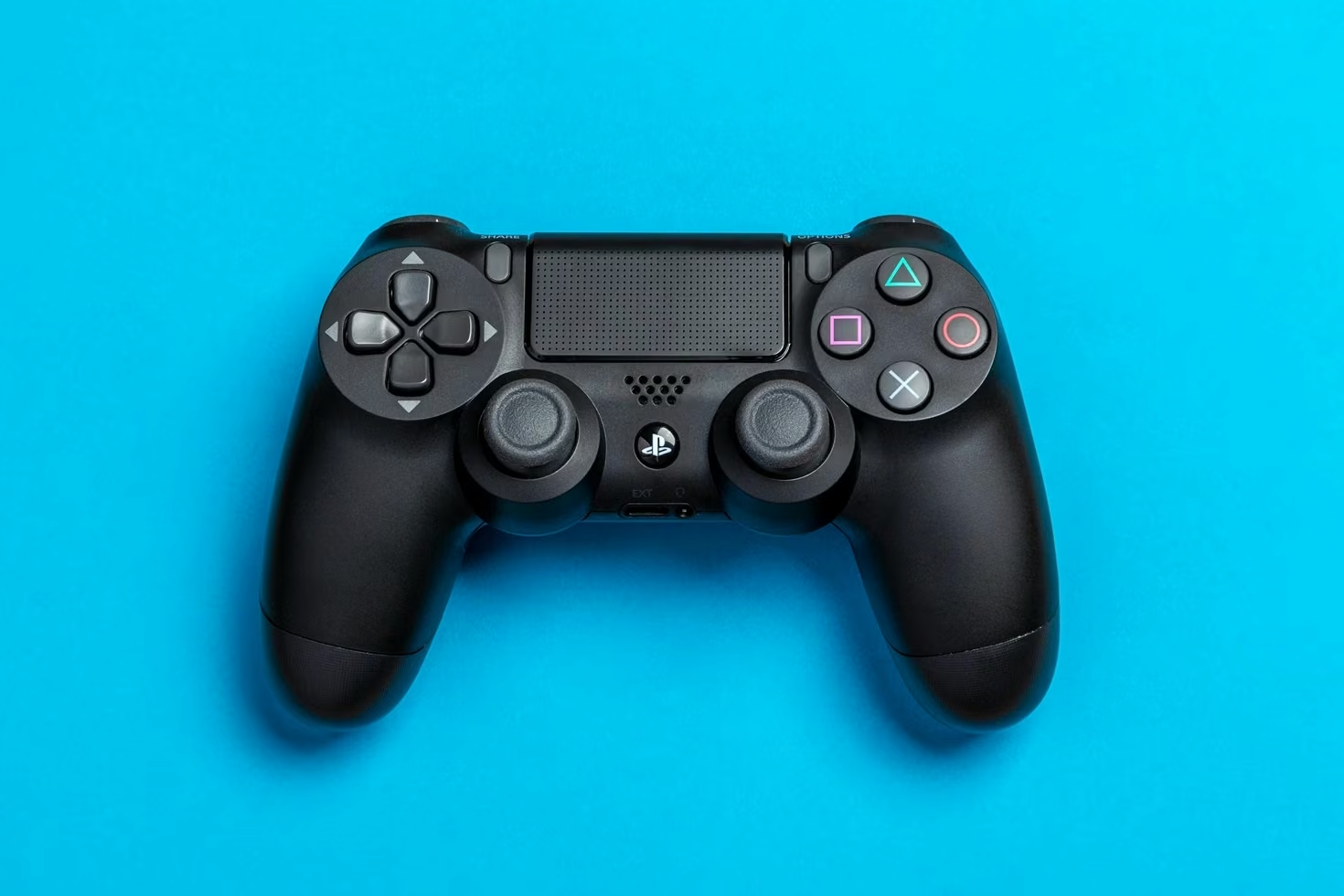
Step 4: The controllers
Controllers collect skin oil and grime, especially around the sticks and seams.
- Unplug the controller or switch it off.
- Wipe it with the microfibre cloth.
- Dip a cotton bud in a little isopropyl alcohol, squeeze out the excess, and run it along the seams, around the buttons and around the base of each stick while you rotate it.
- Let it dry for a few minutes before using it.
Keep liquid away from the charging port and don’t let alcohol run into the buttons.
Keep it clean for longer
- Give it space. Leave at least 10cm of clear air around the vents, and don’t shut it inside a closed cabinet.
- Keep it off the floor. Most dust and pet hair sits low, so a shelf or stand helps.
- Stand it the way it’s designed to stand. Both upright and flat work for PS5 and Xbox Series X, but use the stand or feet that came with it so the vents aren’t blocked.
- Clean little and often. A five-minute dust every month or two beats a big clean once a year.
If the console is still loud or shuts down after a clean, it may need a professional internal clean or repair. Opening it yourself can void the warranty.