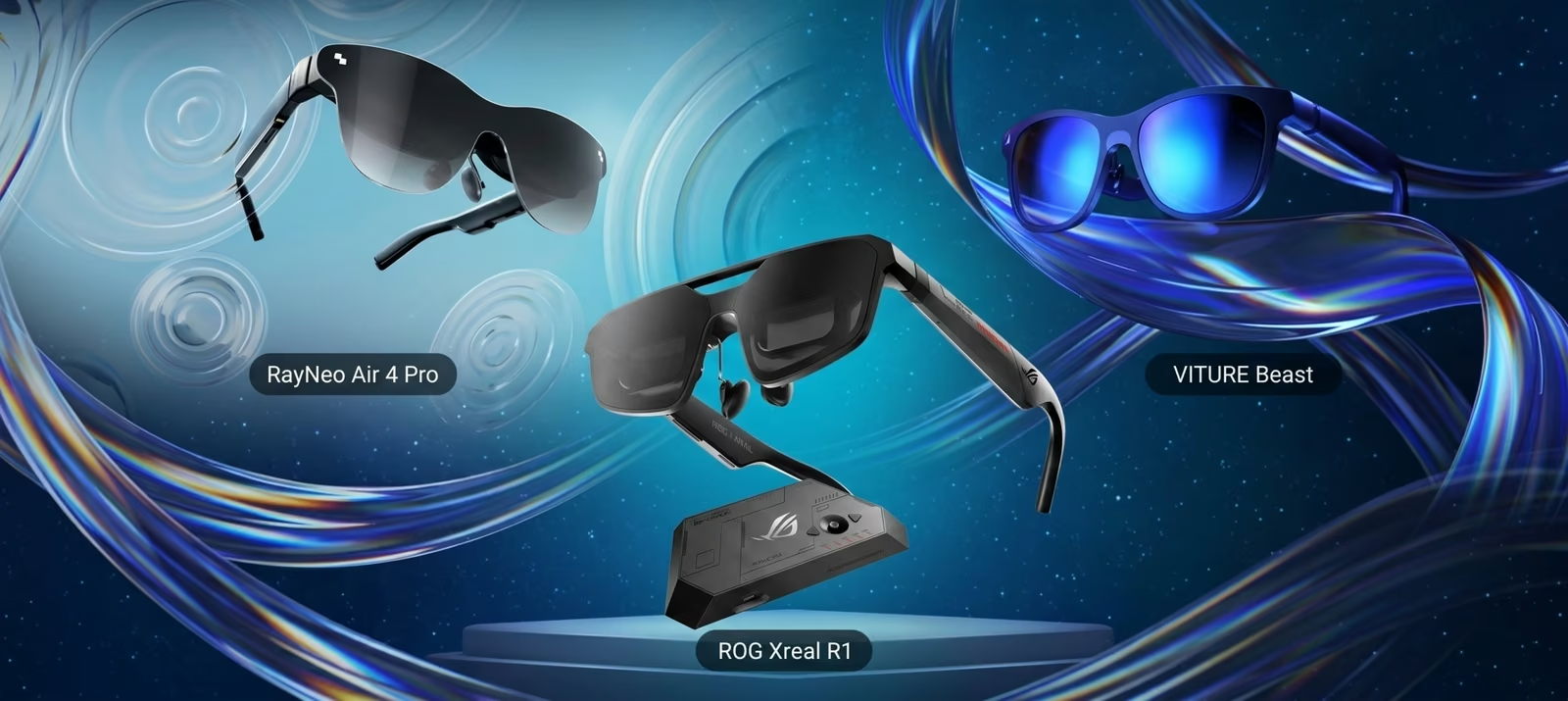
AR glasses for gaming look like chunky sunglasses and work like a portable monitor. Plug them into a handheld, phone, laptop or console and a large virtual screen appears in front of you, visible only to you, and the whole thing folds into a case.
2026 brought three strong options at three very different prices. Here’s how they compare and who each one is for.
How AR gaming glasses work
Each lens has a tiny micro-OLED display behind it. Optics in the frame make those displays appear as one large screen floating a few metres away. The glasses connect over USB-C and show whatever the device sends, the same way an external monitor would. There’s no tracking of your room and no headset strapped to your face, which is what separates them from VR.
The things that matter for gaming are how sharp and bright the image is, how smooth it looks in motion, how wide the screen feels (the field of view), and how comfortable the glasses are after an hour.
Specs side by side
| ROG Xreal R1 | VITURE Beast | RayNeo Air 4 Pro | |
|---|---|---|---|
| Launch price (US) | $849, dock included | $549 | $299 |
| Resolution per eye | 1920 × 1080 | 1920 × 1200 | 1920 × 1080 |
| Refresh rate | 120Hz, 240Hz with Frame Rate Boost | 120Hz | 60–120Hz |
| Peak brightness | 700 nits | 1,250 nits | 1,200 nits |
| Field of view | 57° | 58° | 47° |
| Virtual screen | 171 in at 4m | 174 in at 4m | Not stated on a comparable basis |
| Electronic dimming | Yes | Yes, 9 levels | No |
| Weight | 91g | 88g | 76g |
| Audio | Bose-tuned | HARMAN-tuned | Bang & Olufsen-tuned |
Figures from each maker’s spec pages and the reviews listed under Sources. Prices change often, so check current prices before you buy.
The three models
1. VITURE Beast

The Beast, launched in April 2026, has the best display on paper: the highest resolution, the brightest image and the widest field of view of the three. Reviewers have mostly agreed. Tom’s Guide called it the pair that spoiled other AR glasses for its reviewer, and Android Authority rated it the best option for games and video at its price.
GOOD
- Sharpest and brightest picture of the three
- Built-in head tracking and 9-level dimming
- Nintendo Life found it worked brilliantly with Switch 2 through VITURE’s accessories
WATCH OUT
- Some colour fringing at the edges of the wide image
- Fewer settings to tweak than Xreal’s glasses, and some features need extra software
2. ROG Xreal R1
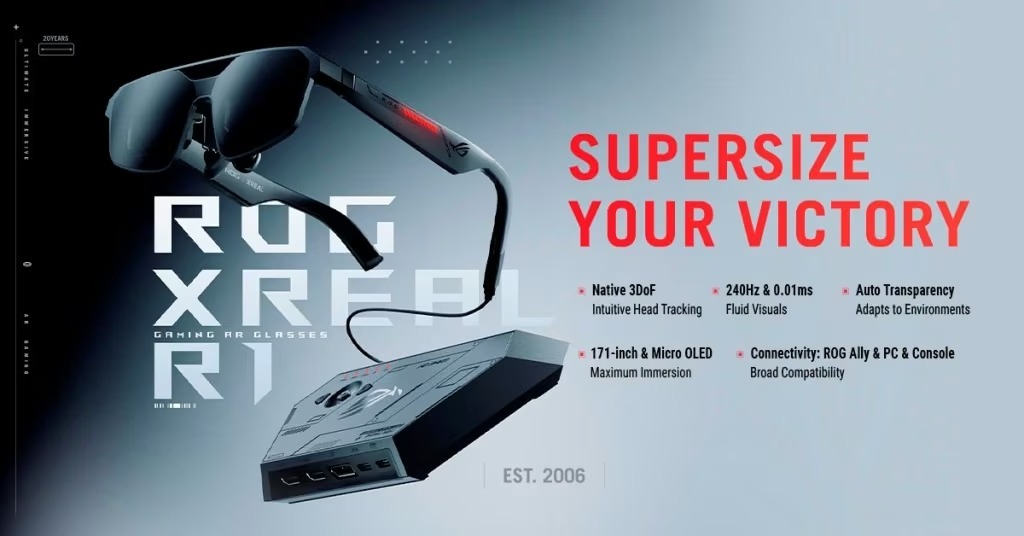
ASUS and Xreal built the R1 for competitive players. Its headline feature is a 240Hz mode, the first in AR glasses, with a quoted 3ms delay between head movement and picture. It shipped in June 2026 at $849, including the ROG Control Dock.
Read the small print on that 240Hz. The panels run natively at 120Hz at full resolution; the 240Hz mode needs the dock and scales the image to get there, so you trade some sharpness for smoothness. The 700-nit brightness is also well below the other two, which matters in bright rooms.
GOOD
- Highest refresh rate available in AR glasses
- Very low latency, aimed at fast shooters and fighting games
- Dock included, with electronic dimming and Bose-tuned audio
WATCH OUT
- The most expensive of the three by a wide margin
- 240Hz needs the dock and reduces sharpness
- Dimmest picture here, and some reviewers found the field of view tight despite the 57° figure
3. RayNeo Air 4 Pro
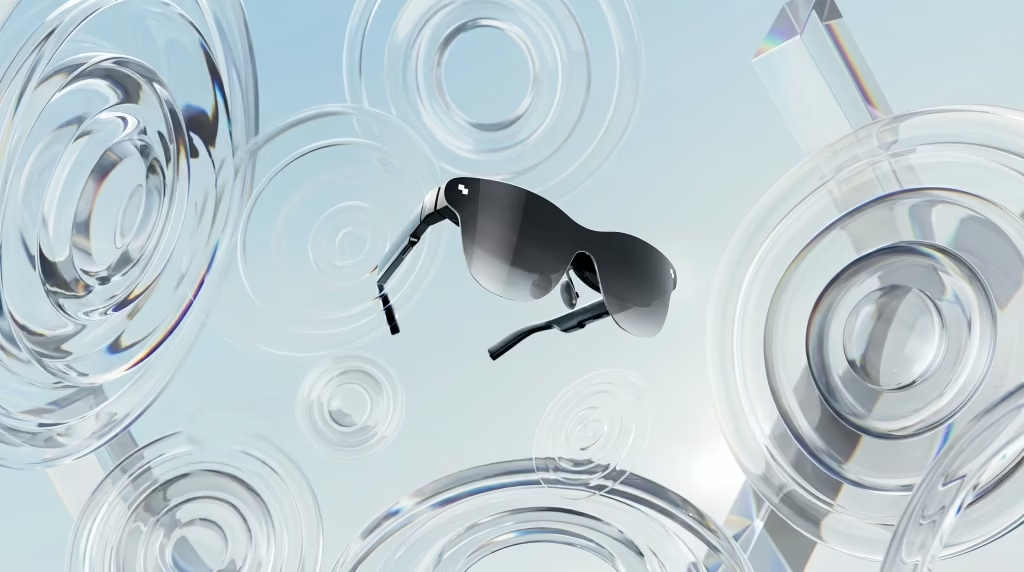
RayNeo, part of TCL, aimed the Air 4 Pro at people who want a big private screen without spending $500 or more. Launched in early 2026 at $299, it was the first AR glasses with HDR10 support and is the lightest of the three at 76g. Tom’s Hardware gave it an Editor’s Choice award.
GOOD
- Less than half the price of the Beast
- Bright 1,200-nit picture with HDR10
- Lightest frame, and good Bang & Olufsen-tuned speakers
WATCH OUT
- Narrower 47° field of view, so the screen feels smaller
- No electronic dimming, and reviewers note it lacks the head tracking of pricier glasses
- Long-session comfort could be better, according to several reviews
Which one to buy
Start with what you’ll plug them into. If your handheld or phone sends video over USB-C, all three work straight away. If it doesn’t, or you want to use a console, budget for a dock or adapter, which changes the price comparison.
- For most players: the VITURE Beast. It has the best picture of the three for $300 less than the R1, and strong reviews across the board.
- For competitive players who want every frame: the ROG Xreal R1, as long as you accept the price and the sharpness trade-off at 240Hz.
- For trying AR glasses on a budget: the RayNeo Air 4 Pro. It gives up width and features, but it’s a low-risk way to find out whether a screen on your face suits how you play.
The category is moving quickly. Since these launched, cheaper 120Hz models such as the VITURE Pro 2 ($299) and the Xreal 1S ($449) have arrived, so it’s worth checking those too if you’re shopping on a budget.
FAQ
Does my device need video over USB-C?
Yes, or an adapter. These glasses take a video signal through USB-C (DisplayPort Alt Mode). Steam Deck, ROG Ally, most recent laptops and many recent phones support it. The Nintendo Switch and Switch 2 need a dock or adapter, and consoles like the PS5 need an HDMI adapter or a dock with HDMI input.
Is the ROG Xreal R1's 240Hz real?
The panels run at 120Hz at full resolution. The 240Hz mode, which ASUS calls Frame Rate Boost, needs the included ROG Control Dock and works by scaling the image, so it trades some sharpness for smoother motion.
Can I use them if I wear glasses?
It depends on the model. Most display glasses offer prescription lens inserts, sold separately, and some have built-in focus adjustment for short-sightedness. Check each maker's page for the prescriptions supported before you buy.
Did you test these yourselves?
No. This comparison is built from manufacturer specs and published reviews, listed under Sources.
SOURCES
- ASUS: ROG XREAL R1 specifications
- Tom's Hardware: Asus ROG Xreal R1 review
- Tom's Guide: Asus ROG Xreal R1 review
- Road to VR: VITURE Beast launch and spec comparison
- Tom's Guide: VITURE Beast review
- Android Authority: VITURE Beast review
- Tom's Hardware: RayNeo Air 4 Pro review
- Wareable: RayNeo Air 4 Pro review
- Nintendo Life: VITURE Beast hands-on with Switch 2
- VR.org: VITURE Pro 2 at $299